Bulk Shipping

Ship Hundreds of Orders
in One Click

Upload a CSV, generate all labels instantly, and download them as a single PDF — ready to print and ship. Handle peak days without breaking a sweat.

Get Started Free
How Bulk Shipping Works

From spreadsheet to labels in seconds

No more creating labels one by one. Upload your order data, validate, and generate every label in a single batch operation.

CSV Upload

Prepare your shipment data in a spreadsheet, upload it to ShipBoss and labels are generated for every row automatically.

Batch Label Download

Download all labels from your bulk shipment as a single PDF — perfectly formatted and ready to print in one go.

Smart Validation

ShipBoss flags errors in your CSV — invalid addresses, missing weights, unsupported services — before you commit to the batch.

High-Volume Shipping

Generate labels for multiple shipments at once

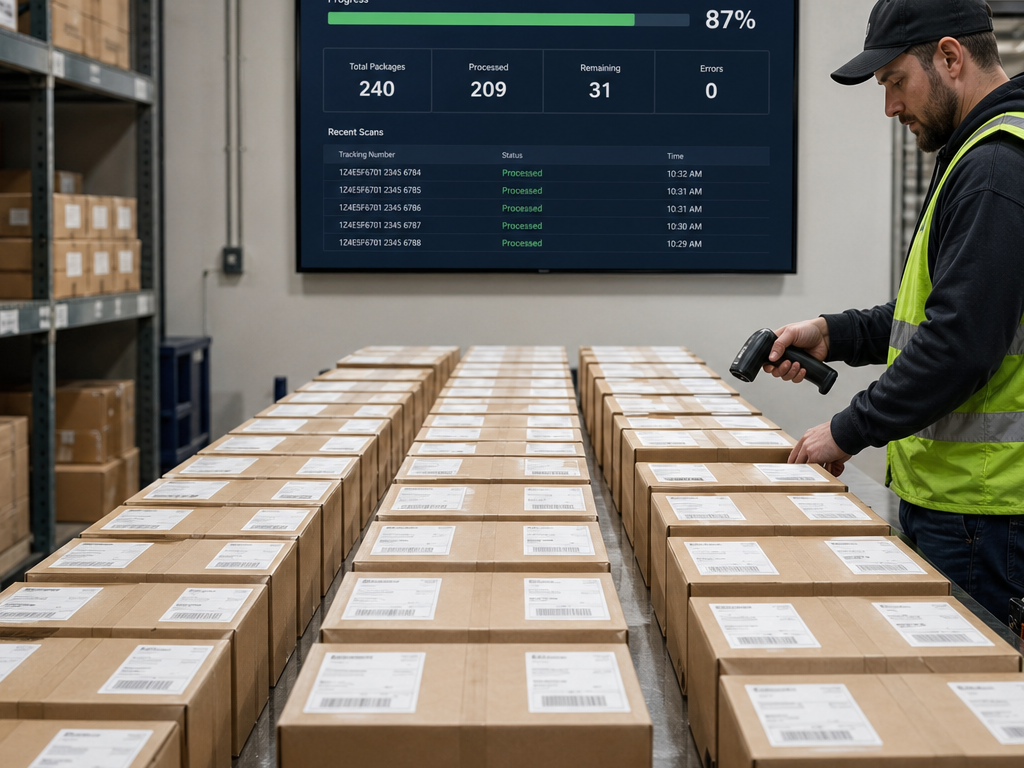
When every second counts on a peak shipping day, bulk creation eliminates bottlenecks. Upload once, ship everything — fast, accurate, and tracked from the start.

  • Upload any CSV with shipment data in our standard format
  • Instant bulk label generation across any supported carrier
  • Download all labels as a single printable PDF
  • Smart error detection before you commit the batch
  • Full tracking enabled on every bulk shipment automatically
Start for Free
Bulk shipping operations
How It Works

Bulk shipping in 4 simple steps

1

Prepare Your CSV

Download our CSV template and fill in your shipment data — recipient details, weights, dimensions, and carrier preferences.

2

Upload to ShipBoss

Upload your completed CSV file. ShipBoss reads every row and prepares a label for each shipment.

3

Review & Validate

Check the validation summary. Fix any flagged errors before generating. No wasted label costs.

4

Download & Print

Generate all labels and download them as a single PDF. Print the whole batch and ship everything at once.

Ready to ship in bulk?

Available on Essential and Pro plans. Start your free account today.